Meesho Product Image Size and Requirements: What Is Confirmed and What Is Not
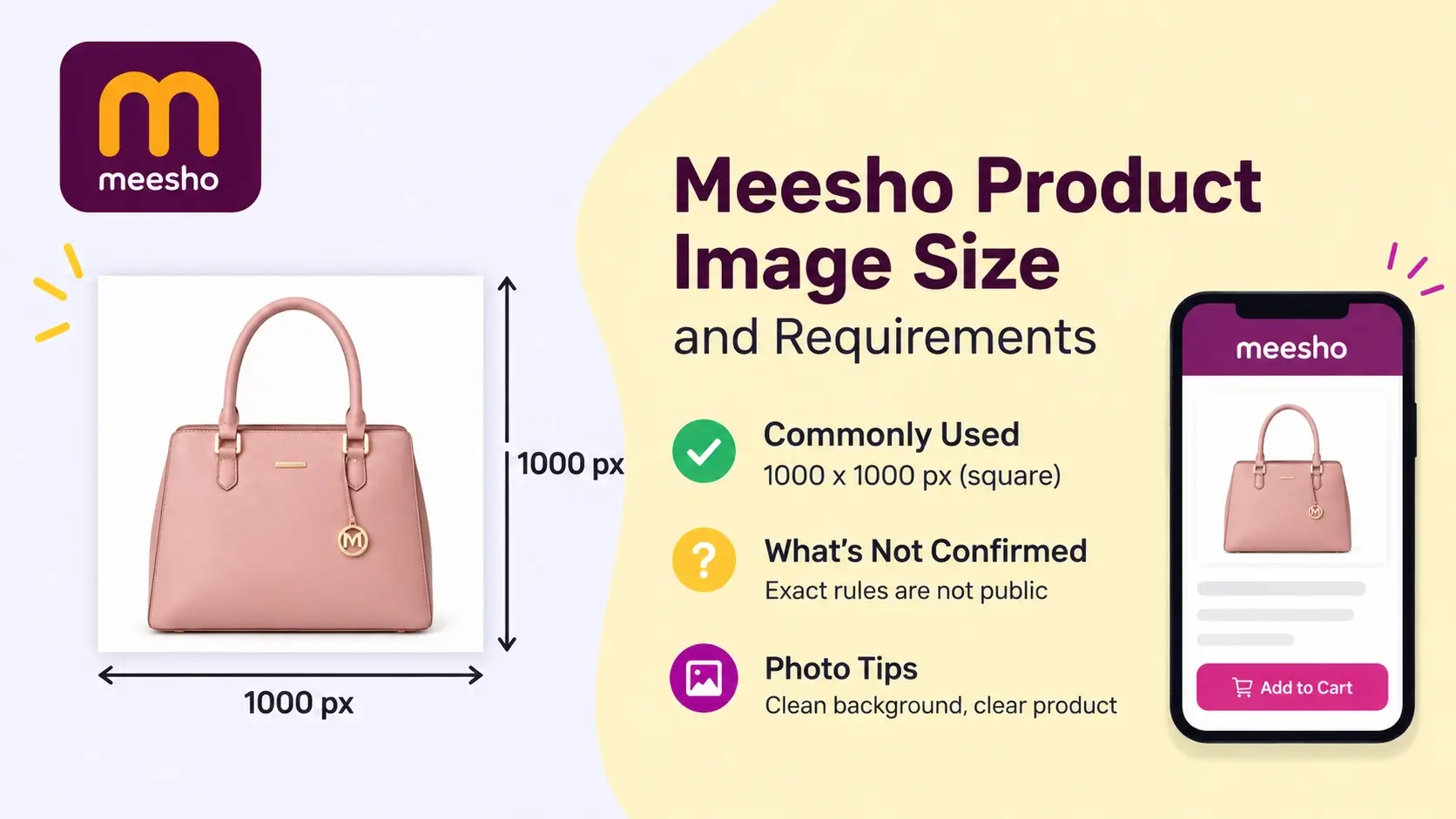
What size should Meesho product photos be? Here is what sellers commonly use, what Meesho has not pu...
Instant Convert Tools offers online tools to convert images to WebP, merge PDFs, add watermarks to multiple photos, create invoices, and generate WhatsApp QR codes. Explore the tools you need in one place.
Try our free tools like Text to PDF, Image to WebP, Merge PDF and Invoice Generator.
Professional-grade tools that work directly in your browser. No installation, no signup, no hassle.
Convert, resize, watermark and title your images — all in the browser.
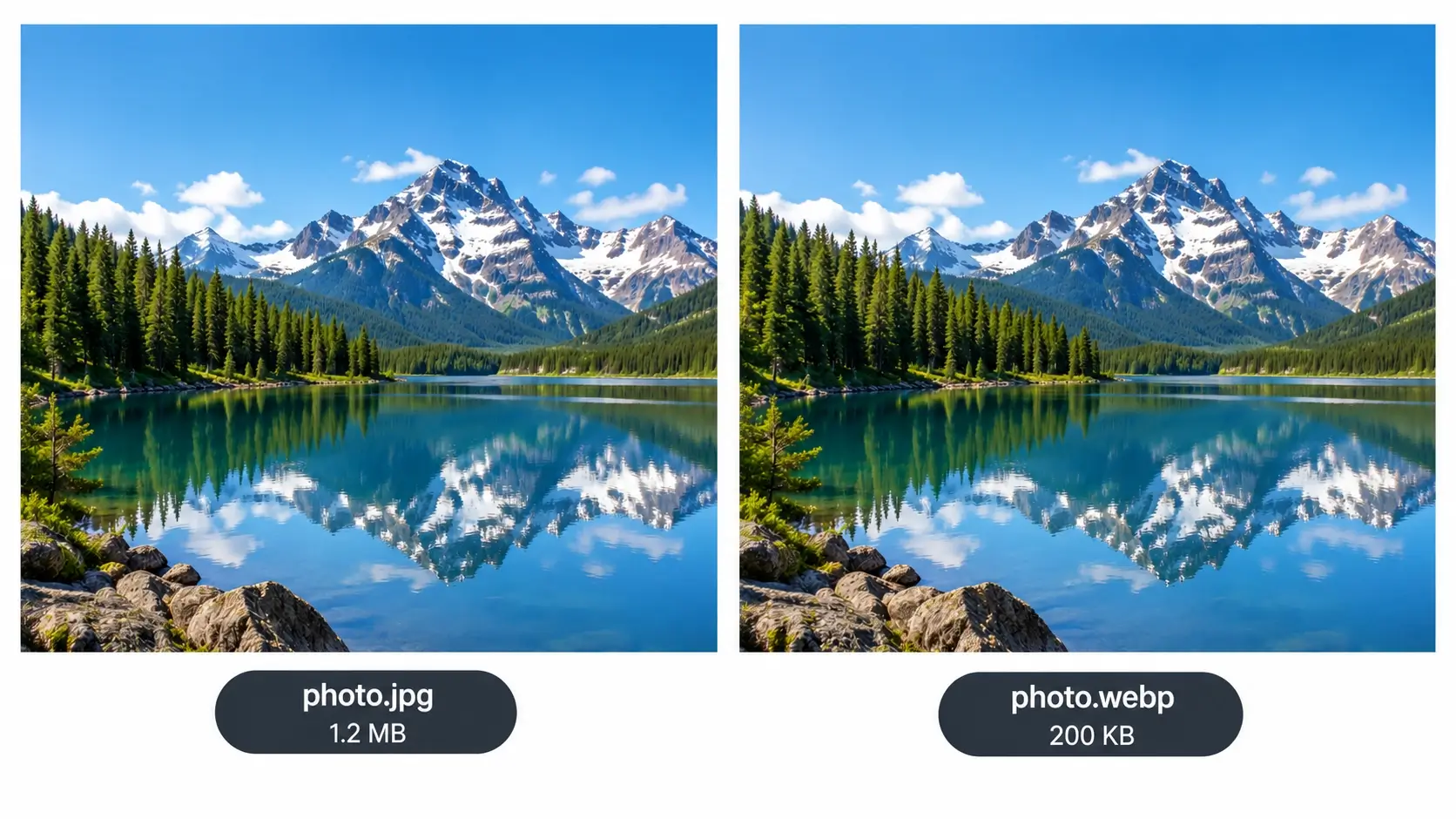
Convert images to WebP format for faster loading and better web performance.
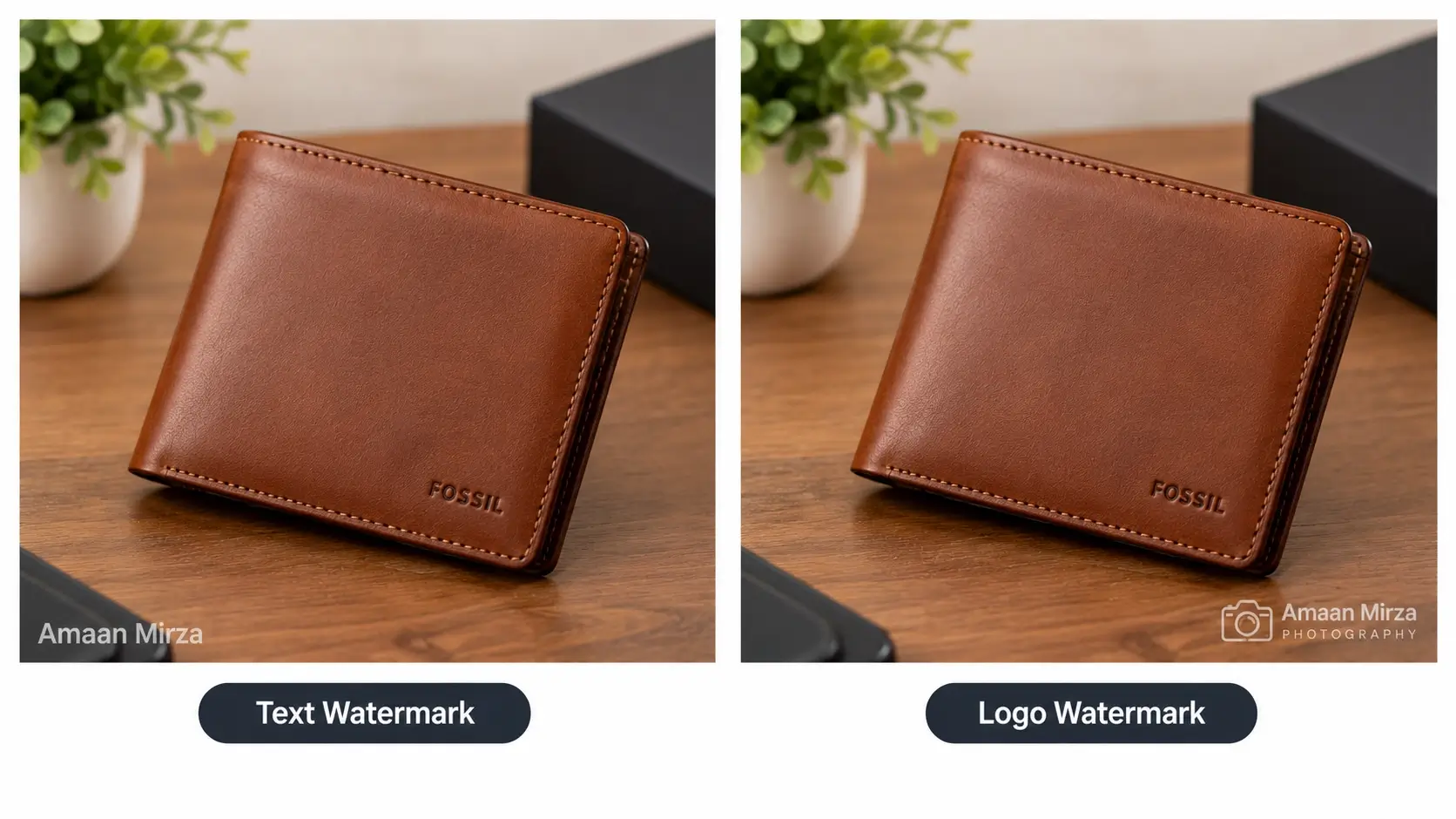
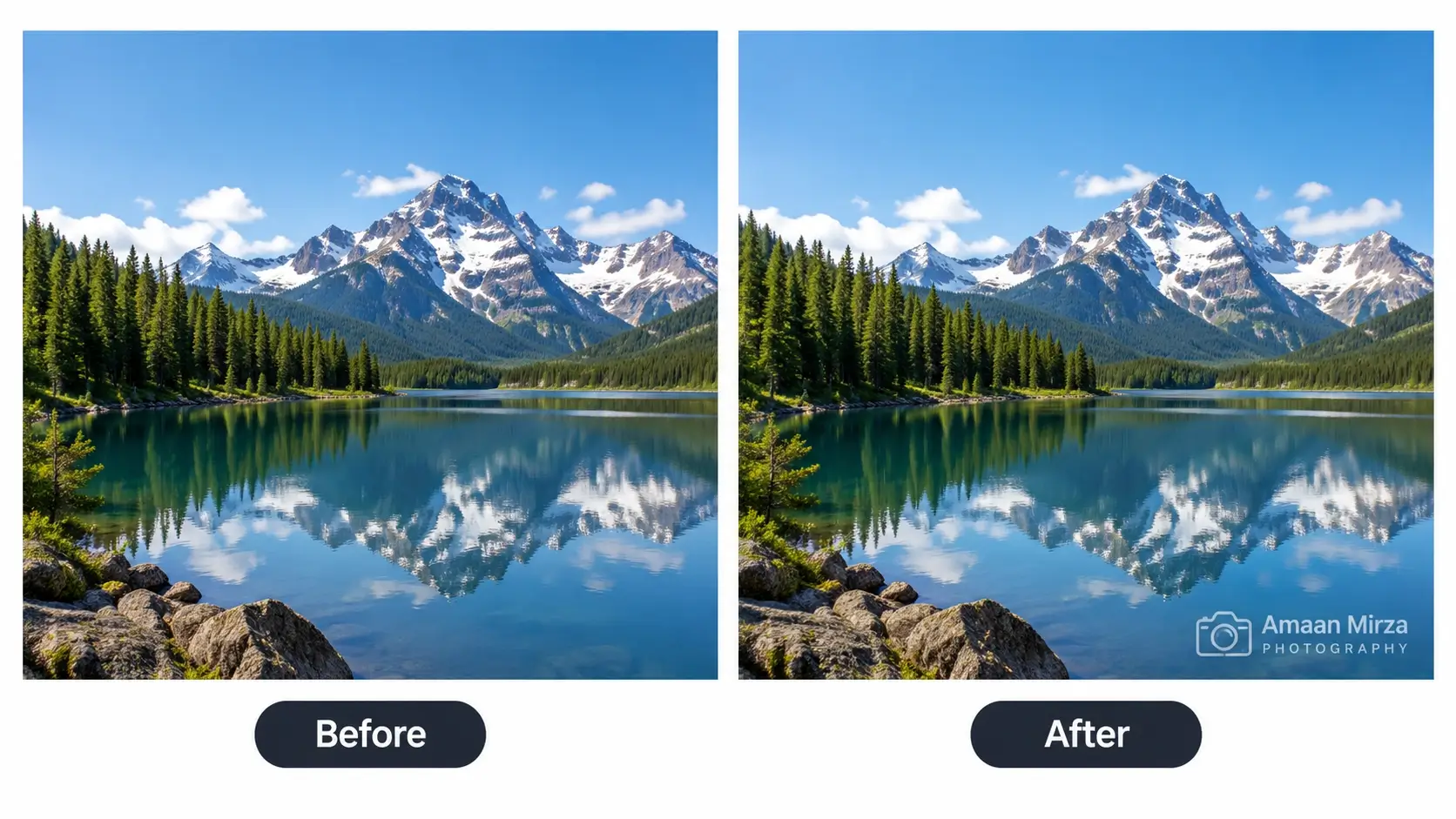
Add text or logo watermark to multiple images at once with full customization and instant download.
Generate SEO-friendly image titles in bulk for multiple images. Fast, secure and works entirely in your browser.
Resize images for Instagram, YouTube, Facebook, LinkedIn, X and WhatsApp with live Safe Zone Preview to prevent cropped text and logos.
Resize product images for Amazon, eBay, Etsy, Walmart, Shopify, Flipkart, Meesho and more. Resize multiple product photos in bulk for free.
Draw your signature online and download it as a transparent PNG or white-background JPG. Free, private and easy to use.
Everyday tools to run and promote your business.
Create, convert, merge, edit, sign and protect your PDFs.
Convert and format text into professional PDF documents with rich formatting options.
Convert multiple images into a single PDF file with custom page sizing options.
Convert Word documents and other text files to PDF format while preserving formatting.
Combine multiple PDF files into one document with drag-and-drop functionality.
Convert PDF pages into high-quality WEBP images for better compression and web performance.
Built with modern technology to give you the best conversion experience
All conversions happen in your browser. No need to download or install anything.
Your files never leave your device. Complete privacy and security guaranteed.
Instant conversions with no waiting. Process files in seconds, not minutes.
Convert as many files as you want. No limits, no restrictions, always free.
Works perfectly on all devices - desktop, tablet, and mobile phones.
Start using instantly. No account creation or email required.
High-quality output suitable for business and professional use.
Built with latest web technologies for best performance and reliability.
Simple three-step process to convert your files
Select the conversion tool you need from our collection of free online converters.
Upload your file, paste text, or input your content directly in the browser.
Click convert and download your file instantly. It's that simple and fast!
Everything you need to know about Instant Convert Tools
Yes! All our conversion tools are completely free with unlimited usage. No hidden fees, no premium plans, no restrictions.
Absolutely! All conversions happen locally in your browser. Your files never leave your device and are not uploaded to any server, ensuring complete privacy and security.
No installation required! Our tools work directly in your web browser. Just visit our website and start converting.
We support a wide range of formats including PDF, TXT, DOCX, JPG, PNG, WebP and more. Each tool page lists the specific formats it supports.
Yes! All our tools are fully responsive and work perfectly on smartphones, tablets, and desktop computers.
Most tools can handle files up to 5MB. For larger files, processing may depend on your device's capabilities since everything runs in your browser.
Instant Convert Tools is completely free and ad-free. If you find our tools helpful and want to support our work, consider buying us a coffee. Your support helps us maintain and improve these free tools for everyone!
100% secure payment • Your contribution helps keep this service free
Help us cover hosting and maintenance expenses
Support ongoing development of new features
Keep the platform clean and distraction-free
Resources
Practical tutorials to get more from our tools.
What size should Meesho product photos be? Here is what sellers commonly use, what Meesho has not pu...
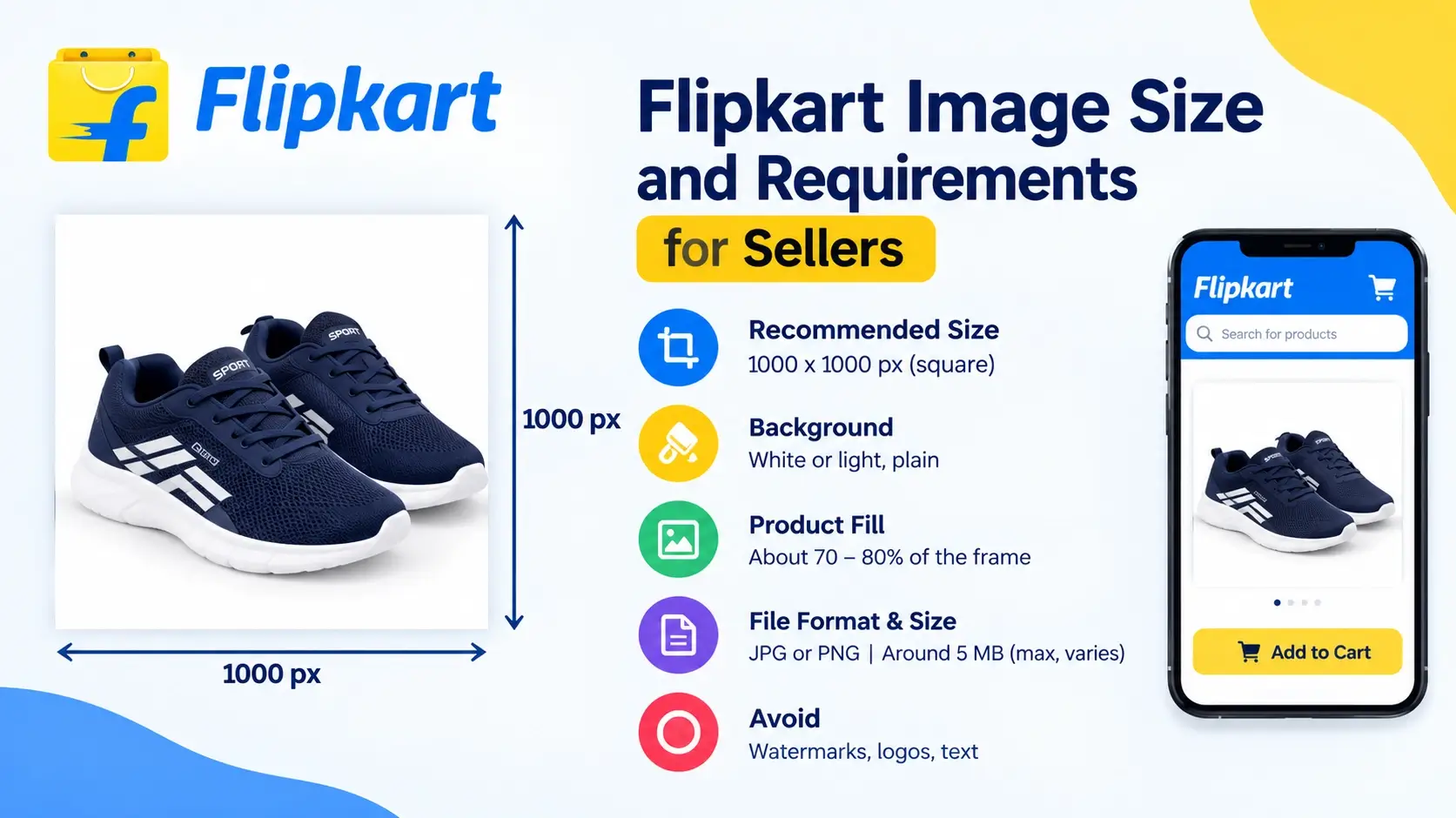
A practical guide to Flipkart product image size, background, product fill and file size, with the n...
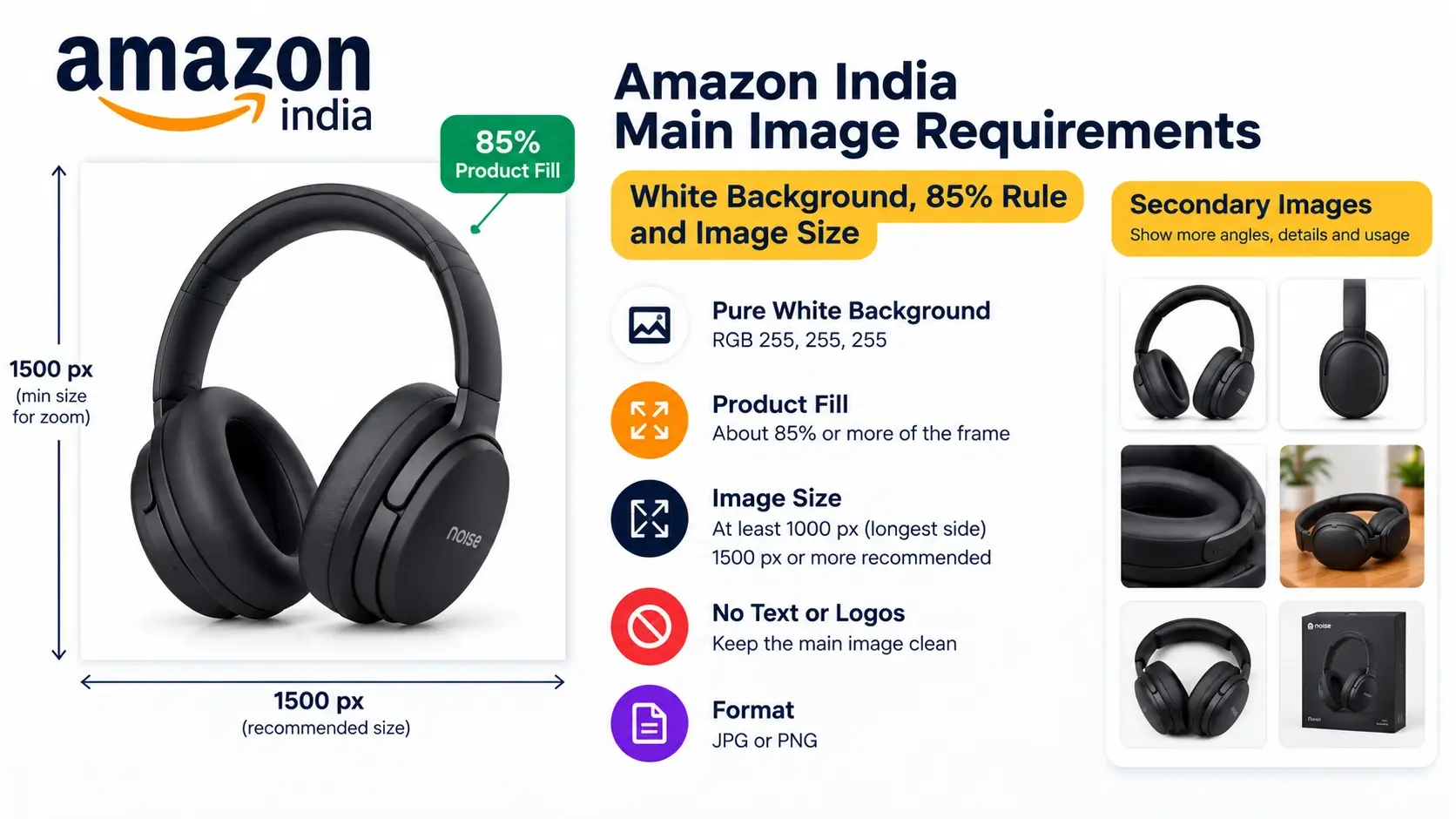
Amazon is strict about the main product image. Learn the pure white background rule, the 85 percent ...
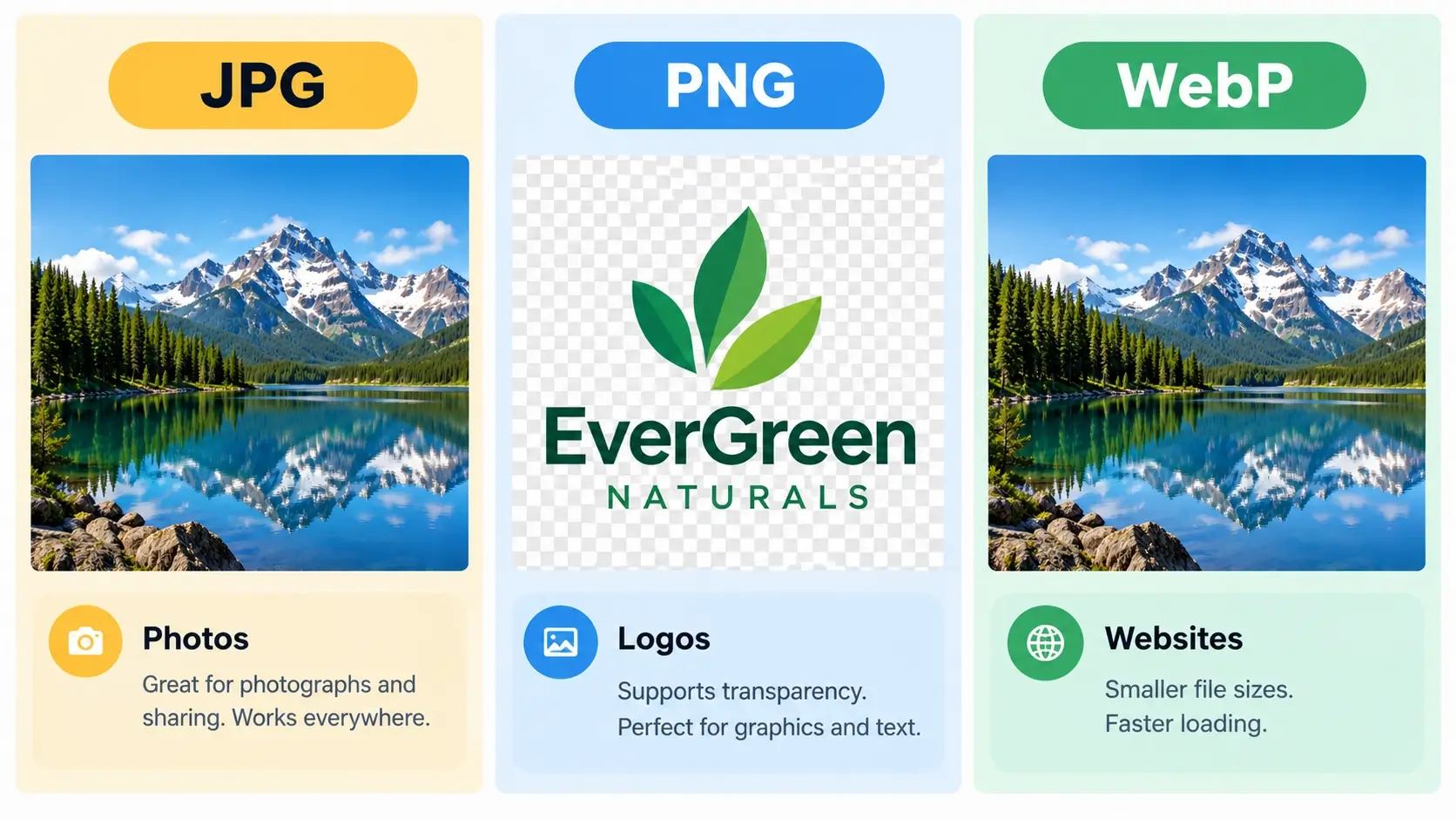
WebP, JPG or PNG? Compare file size, quality, transparency and compatibility, and find out which ima...
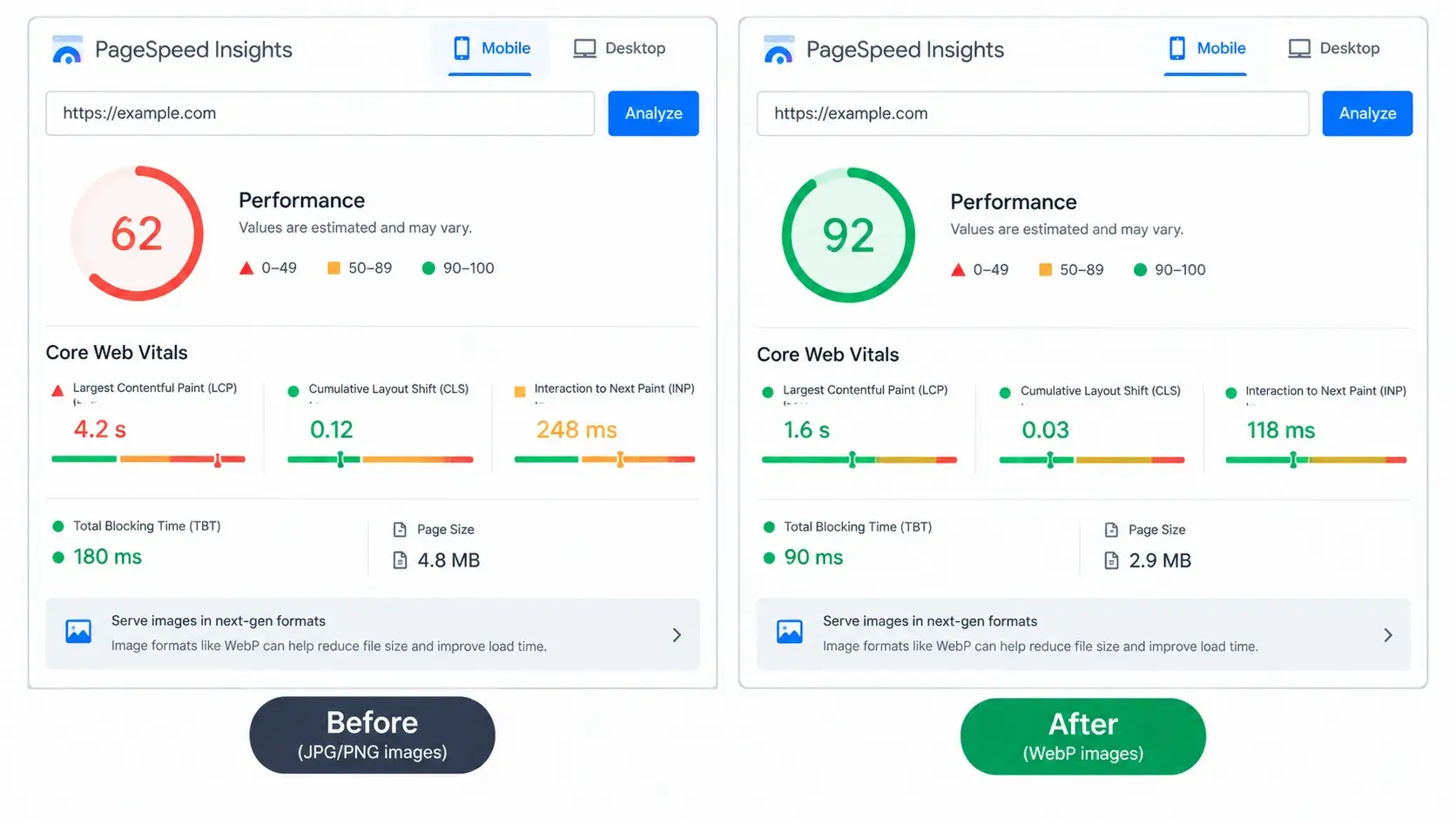
Does converting images to WebP help your SEO? Here is an honest look at how WebP affects page speed,...
Learn how to convert JPG, JPEG and PNG images to WebP for free, in bulk and right in your browser. A...
Not sure whether to use your name or your logo as a watermark? This guide compares both options and ...
Competitors copy product photos all the time. Here is a practical guide for Instagram, WhatsApp and ...
Watermarking photos one by one wastes hours. Learn how to add a text or logo watermark to dozens or ...
Looking for the right Shopify bug fixing freelancer on Fiverr? Learn what to check before hiring a d...
Is your Shopify product page not working properly? Learn how to fix common issues with product image...
Shopify variant picker not working? Learn how to fix wrong prices, product images, variant selection...
Join thousands of users who trust Instant Convert Tools for their conversion needs
Get Started Now - It's Free!Instant Convert Tools is a free online platform that helps users convert files easily without installing any software. Our tools include text to PDF converter, image to WebP converter, PDF merger, invoice creator, image to PDF, and document to PDF conversion tools.
All tools work directly in your browser, ensuring complete privacy and security. Files are processed locally and are never uploaded or stored on any server.
Whether you are a student, freelancer, business owner, or office professional, Instant Convert Tools provides fast and reliable solutions for everyday file conversion needs.